A laptop SSD upgrade replaces a slow hard drive with a solid-state drive, and a RAM upgrade adds memory. For a laptop a few years old that boots slowly and stalls with several programs open, it is often the cheapest way to make it fast again. Listonics checks your model first, moves your files across and tests it before handing back.
Proof, not promises
Real reviews from Trustpilot and Google, word for word. Google rating 5.0 from 5 reviews, checked 2026-10-17.
Best team I’ve ever hired. All in one place.
As a construction company, we have a lot to manage, so finding one team that can handle our IT and digital requirements has been really helpful. Listonics has supported us with office networking, cybersecurity, website development and SEO. Their team knows what they’re doing and has been easy to work with. We no longer need to coordinate with different companies for every requirement, which saves us time and effort. Overall, it’s been a good experience, and we’re happy to have them supporting our business.
We needed a custom ERP and HR system…
We needed a custom ERP and HR system for our business, along with a new website, and Listonics helped us with all three. The team was approachable, listened to what we wanted and made the process easier than we expected. We could discuss changes directly with them, which made a big difference. It was also convenient having one team handle everything instead of dealing with multiple companies. Overall, we’re happy with how things turned out and glad we chose them.
Listonics projects run from AED 2,500 to AED 30,000 as a fixed scope; support is a fixed monthly fee with response times written into the agreement. The IT support cost guide and managed IT pricing guide set out how the numbers are built.
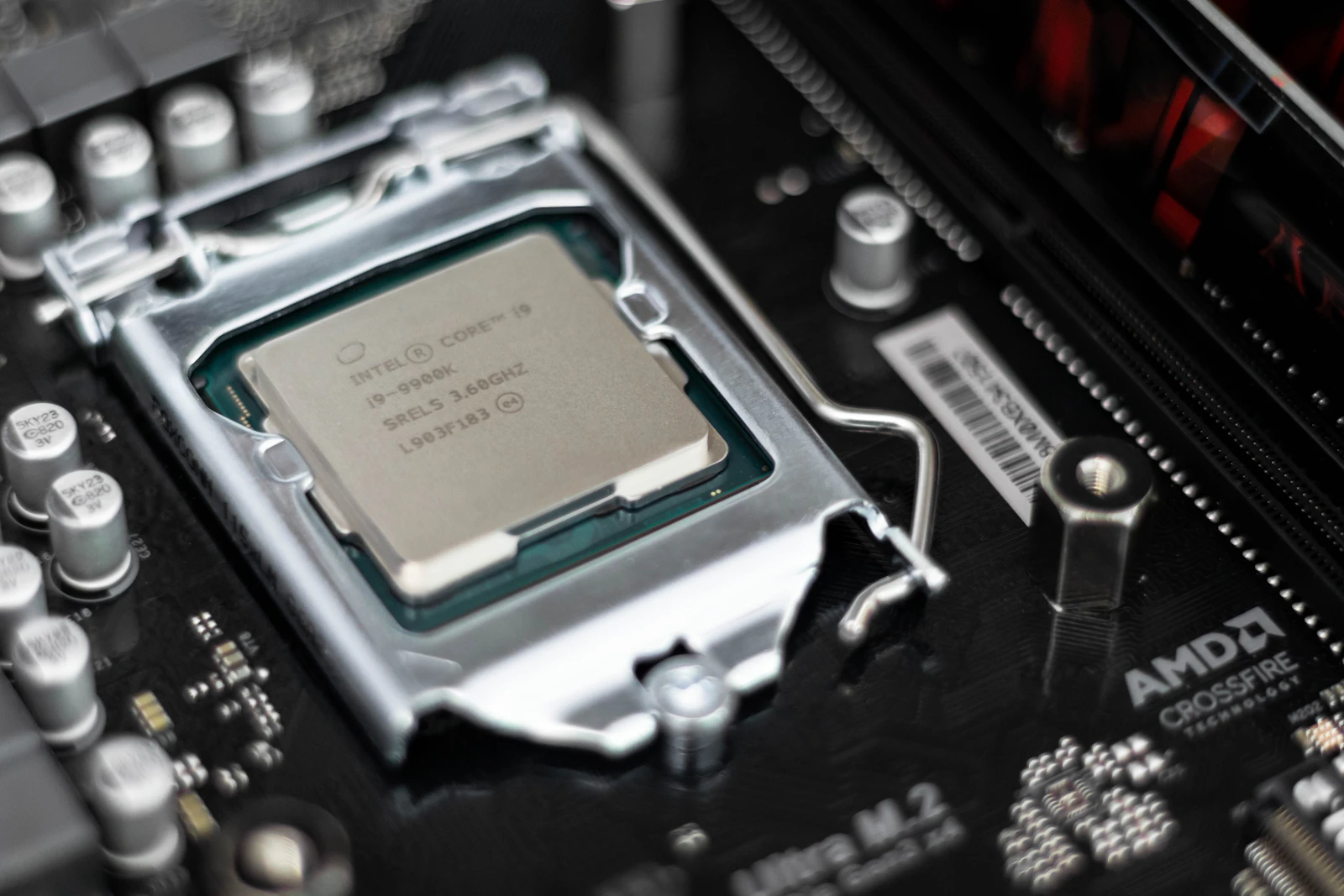
Is an upgrade worth it, or should you buy a new laptop?
It is worth it when the laptop is basically sound and the slowness comes from its storage or memory. The clearest sign is a laptop that still has a traditional spinning hard drive: it takes minutes to start, programs open slowly, and the disk light stays on. Moving that laptop to an SSD makes a difference you notice on the first start-up.
It is not worth it when the laptop has other problems that an upgrade cannot fix. A damaged screen, a failing hinge, a battery that lasts minutes, or a processor that cannot run a supported version of Windows all point towards replacing it. We tell you which camp your laptop is in before you spend anything.
| What you notice | Likely cause | Upgrade that helps |
|---|---|---|
| Very slow start-up and slow-opening programs | Spinning hard drive | SSD |
| Slows down with many browser tabs or programs open | Not enough memory | RAM |
| Runs out of space for files and updates | Small or full drive | Larger SSD |
| Hot, loud fans and sudden slowdowns | Dust or old thermal paste | Cleaning, not an upgrade |
| Slow even after both upgrades | Old processor | Usually time to replace |
Can your laptop be upgraded?
Not every laptop can, so we check the exact model before quoting. Many thin laptops have their memory soldered to the main board, which means it cannot be added to, and some have the storage soldered as well. Apple's recent MacBooks, with Apple's own chips, have neither memory nor storage that can be upgraded after purchase.
Where an upgrade is possible, the details matter. Laptop storage comes in different shapes and connections: a 2.5-inch SATA drive, an M.2 SATA drive, or an M.2 NVMe drive, and they are not interchangeable. Memory has generations too, and a laptop built for DDR4 cannot take DDR5. Fitting the wrong part either does not work or wastes speed, which is why we order to the model, not to a guess.
Windows 11 and what an upgrade can and cannot change
An upgrade can help a laptop meet Windows 11's storage and memory needs, but not its processor requirement. Microsoft's Windows 11 specifications list at least 4 GB of memory and 64 GB of storage, together with a supported processor and a security chip called TPM 2.0. If your laptop's processor is not supported, a new SSD will make it faster but will not make it eligible for Windows 11.
That matters because Windows 10 no longer receives free security updates. Our page on Windows 10 end of support explains the options. For a laptop that cannot move to Windows 11, spending on an upgrade only makes sense if you understand that trade-off.
How we do the upgrade, and what happens to your files
Your files come across with you. Before anything is opened, we make a backup, and Windows has its own tool for this, which Microsoft describes in its Windows Backup guide. Then there are two ways to move to the new drive, and we agree which with you.
The first is a copy: the old drive is cloned onto the new SSD, so the laptop starts exactly as it was, only faster. The second is a fresh start: Windows is installed cleanly on the SSD and your files and programs are put back, which also clears out years of clutter. A fresh start is the better choice for a laptop that was also slow or unreliable for software reasons, and our Windows reinstall page covers what that involves.
Your old drive is yours. We give it back to you, and it can become a backup drive in an inexpensive enclosure, or we wipe it properly if you would rather not keep it.
Warranty and genuine parts
Opening a laptop can affect its warranty, depending on the manufacturer and the model. If your laptop is still under warranty, check the terms first or ask us to, because some manufacturers allow memory and storage upgrades and others do not. We will not open a laptop under warranty without telling you what it might mean.
We fit new, branded parts matched to your model, and test the laptop before handing it back: start-up, the new drive's health, the memory, sleep and wake, and the programs you use most.
Upgrade, clean, or replace
Some laptops that feel slow are actually hot. Dust in the fan and dried thermal paste make the processor slow itself down to stay safe, and no upgrade fixes that. Our guide to laptop overheating in Dubai explains the signs, and we often do a clean at the same visit as an upgrade.
If the honest answer is that a new laptop is the better buy, we will say so, and our new laptop setup checklist covers getting it ready. To check whether your laptop can be upgraded, send us its make and model.
Frequently asked questions
If it currently has a traditional spinning hard drive, the change is large: start-up, opening programs and searching for files all become noticeably quicker. If it already has an SSD, replacing it with another brings little gain, and memory or a clean Windows installation may help more. We tell you which before you spend anything.
No. Many thin laptops have memory soldered to the main board, and some have the storage soldered too, so neither can be changed. Apple's recent MacBooks with Apple's own chips cannot be upgraded at all. We check your exact model before quoting, so you never pay for a part that cannot be fitted.
No. We back up your files before starting, then either copy the whole old drive onto the new SSD so everything is exactly as it was, or install Windows cleanly and put your files back. We agree which approach suits your laptop before we begin, and you keep your old drive.
For browsing, email and office documents, 8 GB is a comfortable minimum today, and 16 GB suits people who keep many tabs and programs open or use larger spreadsheets and photos. Windows 11 needs at least 4 GB to install, which is not enough to use it comfortably. Your laptop's maximum depends on its model.
It depends on the manufacturer and the model. Some allow memory and storage upgrades, others treat opening the case as the end of the warranty. If your laptop is still covered, check the terms first or ask us to, and we will not open it without telling you what it might mean.
Written by Srinivasan Ramachandran, Founder, Listonics · Last reviewed November 6, 2026